A New Way to Ride!
Paying your fare is easier than ever before with the Umo app. No exact change, no paper tickets, and no waiting in line. Just download the app, load your Umo wallet, and scan the QR code in your bus.

How to Ride with Umo
- Download the Umo Mobility app, available for free in the Apple App Store and Google Play. Open the app and select Clackamas County in the list of transit agencies.
- Create an account using your phone number or email address.
- Load your Umo wallet with a cash balance or buy passes.
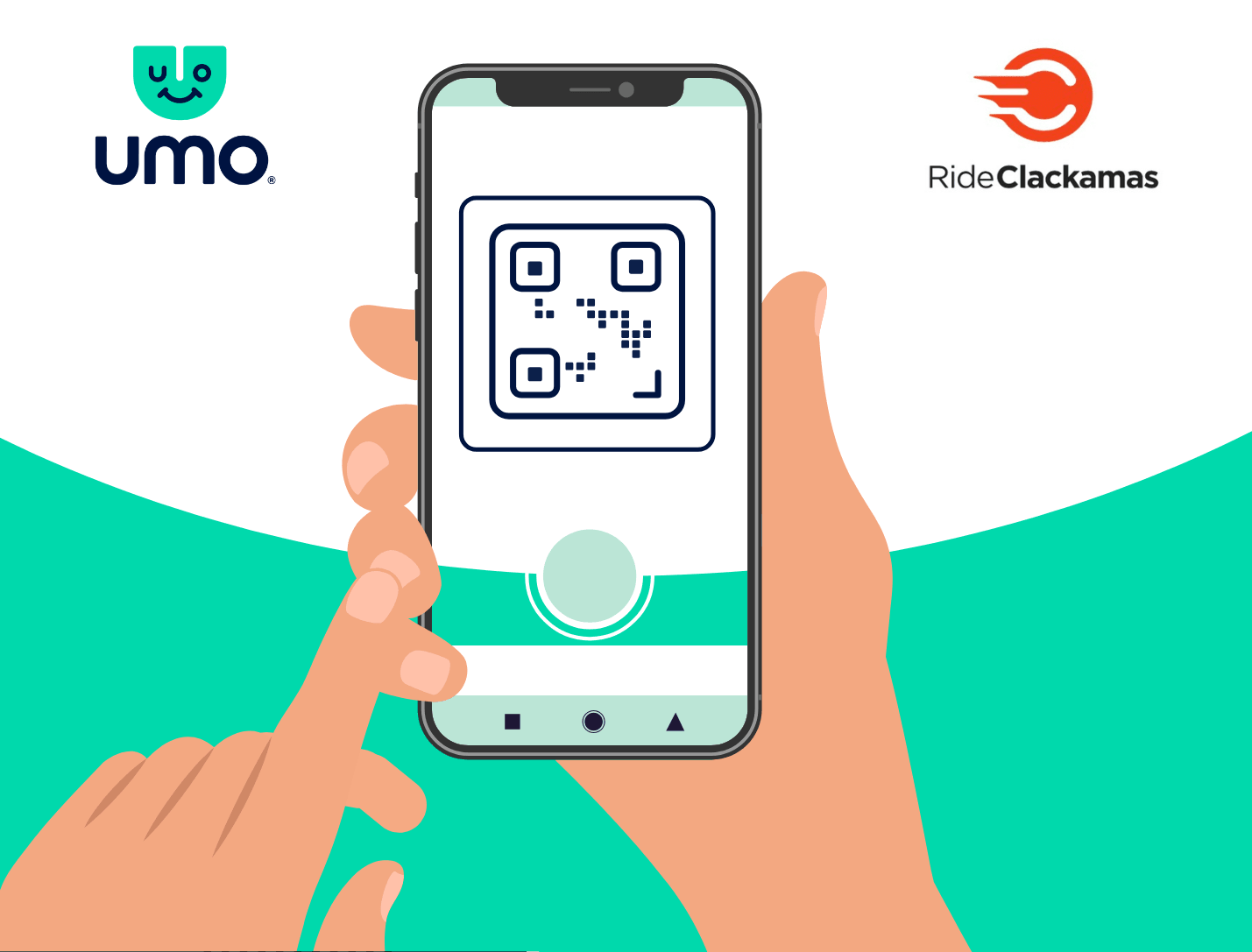
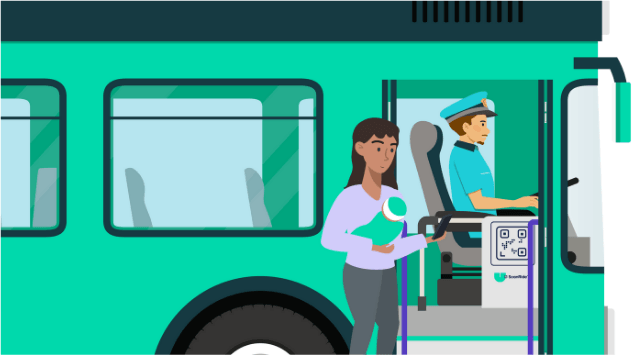
- Scan the QR code inside the bus. When you board, look for the Umo ScanRide QR code displayed inside the bus. Open your Umo app to scan it. Wait for the green light and beep in your app to confirm you’re ready to ride.
Frequently Asked Questions
What is Umo?
Umo is a contactless fare payment system that provides flexible travel and a seamless payment experience. It simplifies fare payment for transit riders with its reloadable system.
How does the Umo app work?
Ride Clackamas uses Umo’s ScanRide system. Once you purchase a pass or load money into your Umo wallet, you’re ready to ride. As you board, look for the Umo QR code posted inside the bus. In your Umo app, go to Code > Scan > Scan the ScanRide QR code for fare payment and scan the code. Your app will validate your pass or deduct the amount of the fare for your trip.
What can I add to my Umo wallet?
You can add to your cash balance or buy passes. We offer day and month passes, as well as a yearly pass for MHX.
Are discounted fares available?
We do not currently support discounted fares through Umo.
What payment methods are accepted in the Umo app?
We accept credit cards, Apple Pay, and Google Pay.
Can I use my Umo app to pay for the fare of another person traveling with me?
Yes, we support companion fares.
When I pay a fare, how do I know that the correct amount has been deducted from my account?
Check your Umo app to see your transaction history, including deductions from stored value and used passes. In most cases, your fare payment will be posted instantly to your Umo account and will be visible on the “View History” screen in the Umo app.
Note: Your displayed Account Balance or number of unused trips may not include recent transactions.